08 — HKCM
Turning desktop-grade trading charts into something a phone can actually show.
About
HKCM's analysts call market reversals using the Elliott Wave Method on dense desktop charts. My job: translate that signal into a phone-sized app so traders can scan target zones, follow live trades, and read analyses on the go.
Traders on the go need quick, digestible insights rather than lengthy reports, so I focused on creating an experience that provided actionable information in an intuitive, time-efficient way.
Role
Senior Product Designer
Team
Trading
Tooling
Figma, Rive, Notion, Linear
Trading zones
Long-term reversal zones, color-coded by weight.
For long-term investors, two zone types do the heavy lifting. Yellow marks major trend reversals. Prices leaving these aren't expected to return for 12 to 24 months. Purple flags critical turning points the price may never revisit. A green stroke means a zone is active and imminent; without it, the zone is either spent, invalidated, or not yet in play.
Target zones
A status you can read at a glance.
Each zone tells you what the analyst expects, what state it's currently in, and whether to consider a long or short trade. Color, label, and a single tag (ZZ for zone reversal, TB for trend break) make the call obvious without a paragraph of context.
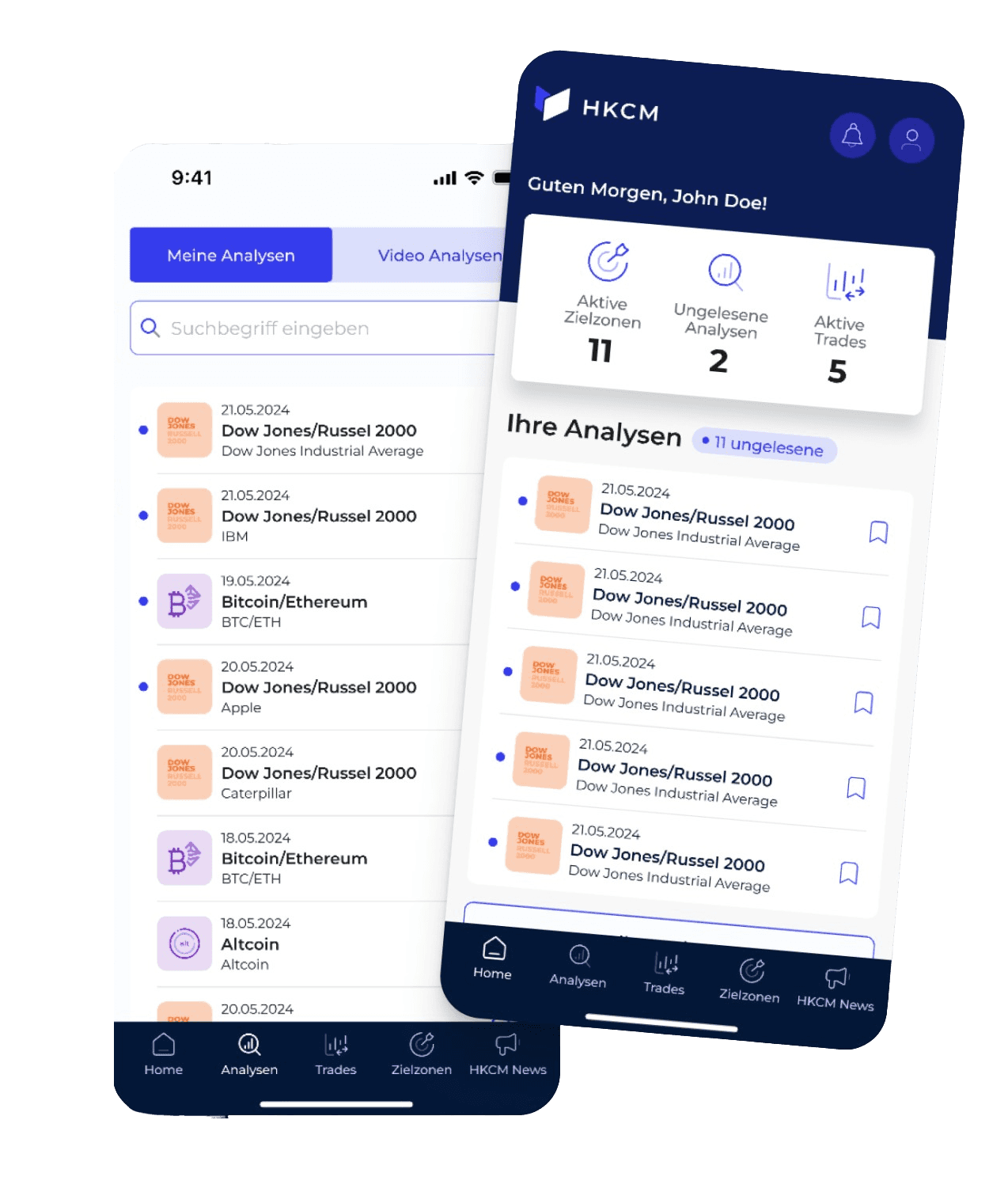
Dashboard
Snackable home, not a wall of charts.
Three metrics: Active target zones, unread analyses, and active trades sit one tap from everything else. Traders on the go don't need a desktop terminal in their pocket; they need to know what changed since they last opened the app.
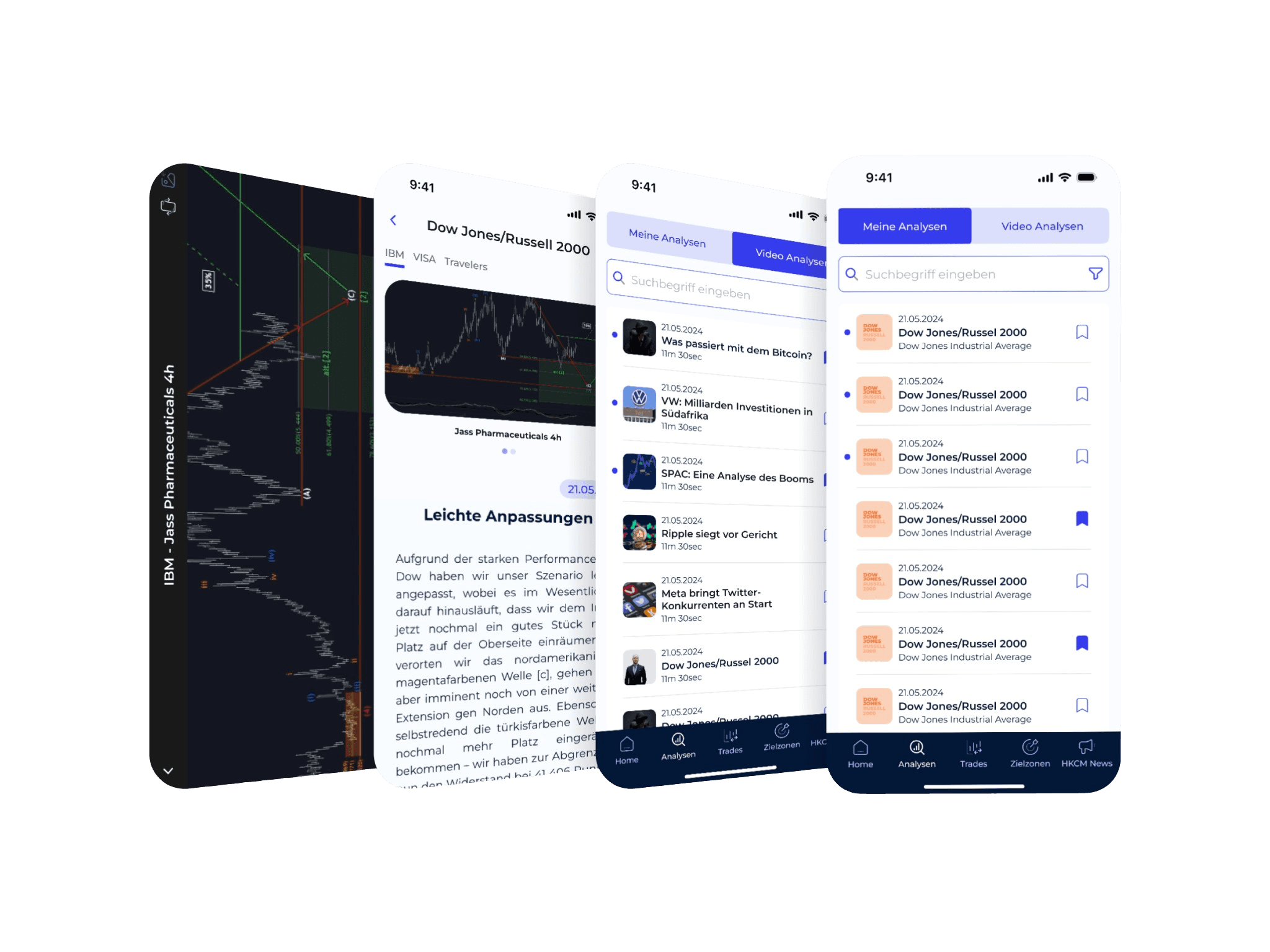
Analyses
Two reading modes, one tap apart.
A segmented control lets users flip between written analyses and video analyses without leaving the screen. Same list pattern, same scan rhythm. Only the content type changes. Users pick the format that fits the moment.
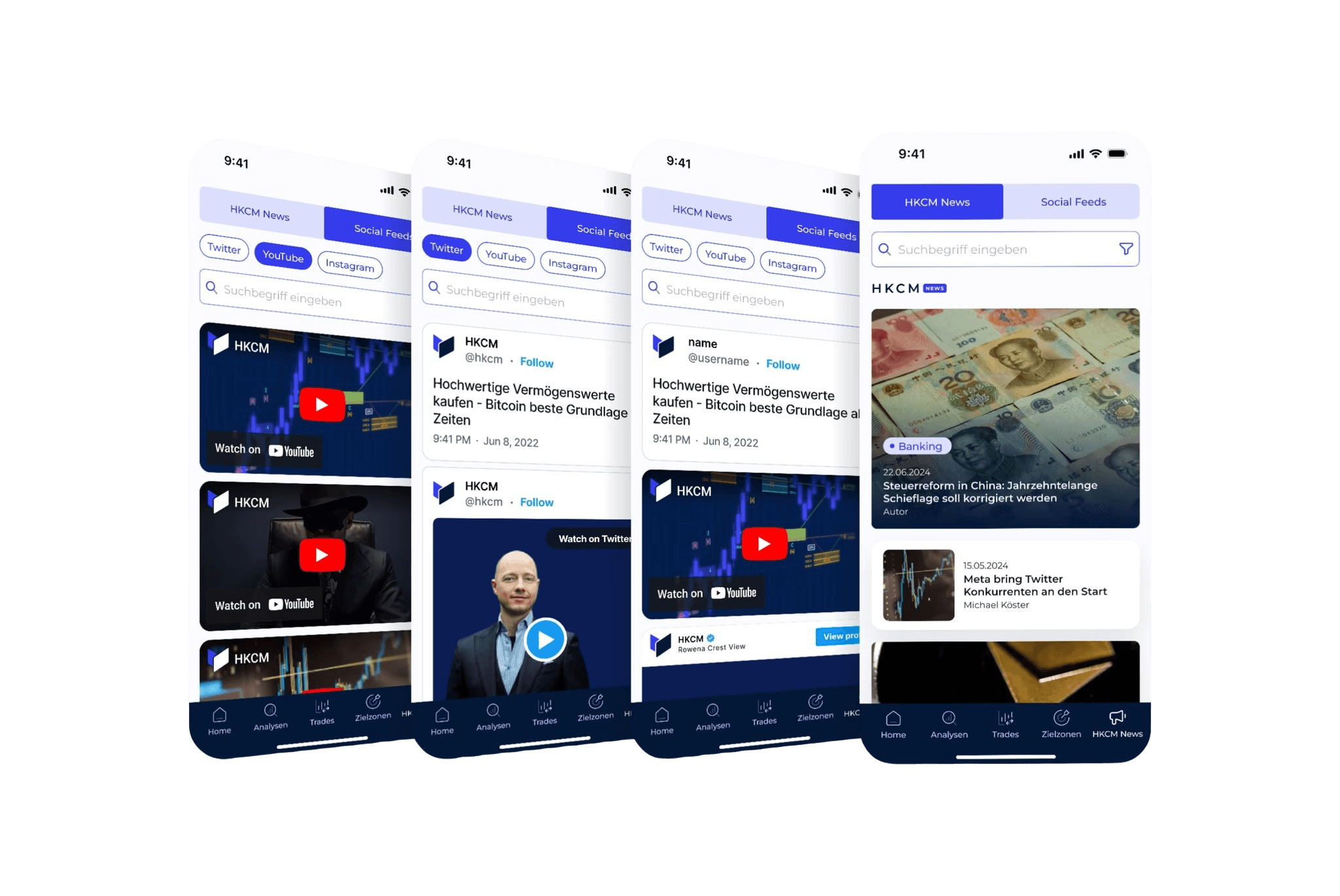
Their editorial voice. Front and center.
HKCM writes its own market analysis articles. A real differentiator from competitors who just aggregate. I gave that editorial voice top billing with a dedicated tab, then layered Twitter, YouTube and Instagram beneath it so social and longform stay separate but easy to swap between.
Key Design Decisions

Color and tag conventions over modes
Yellow/purple/green zones, ZZ/TB tags. One UI serves beginners and pros without a "simple mode" toggle that insults either.

Three live metrics on the home
Active target zones, unread analyses, active trades. Traders need to know what changed since they last opened, not a desktop terminal in their pocket.

Scan rhythm consistency
Same list pattern across written and video analyses, switched by one segmented control. Format changes; scan behaviour doesn't.

Editorial voice front and center
HKCM's original analyses get a dedicated tab; social channels (Twitter, YouTube, Instagram) layer beneath. The differentiator gets top billing.
Outcomes & Learnings
01
Traders adopted the app for daily scanning. Target zones and trades that used to live on a desktop became thumb-friendly.
02
Color & tag conventions let beginners and pros share the same UI. No mode switch needed.
03
Key learning: when an audience is split between novices and experts, design for the novice and hide depth behind one extra tap.